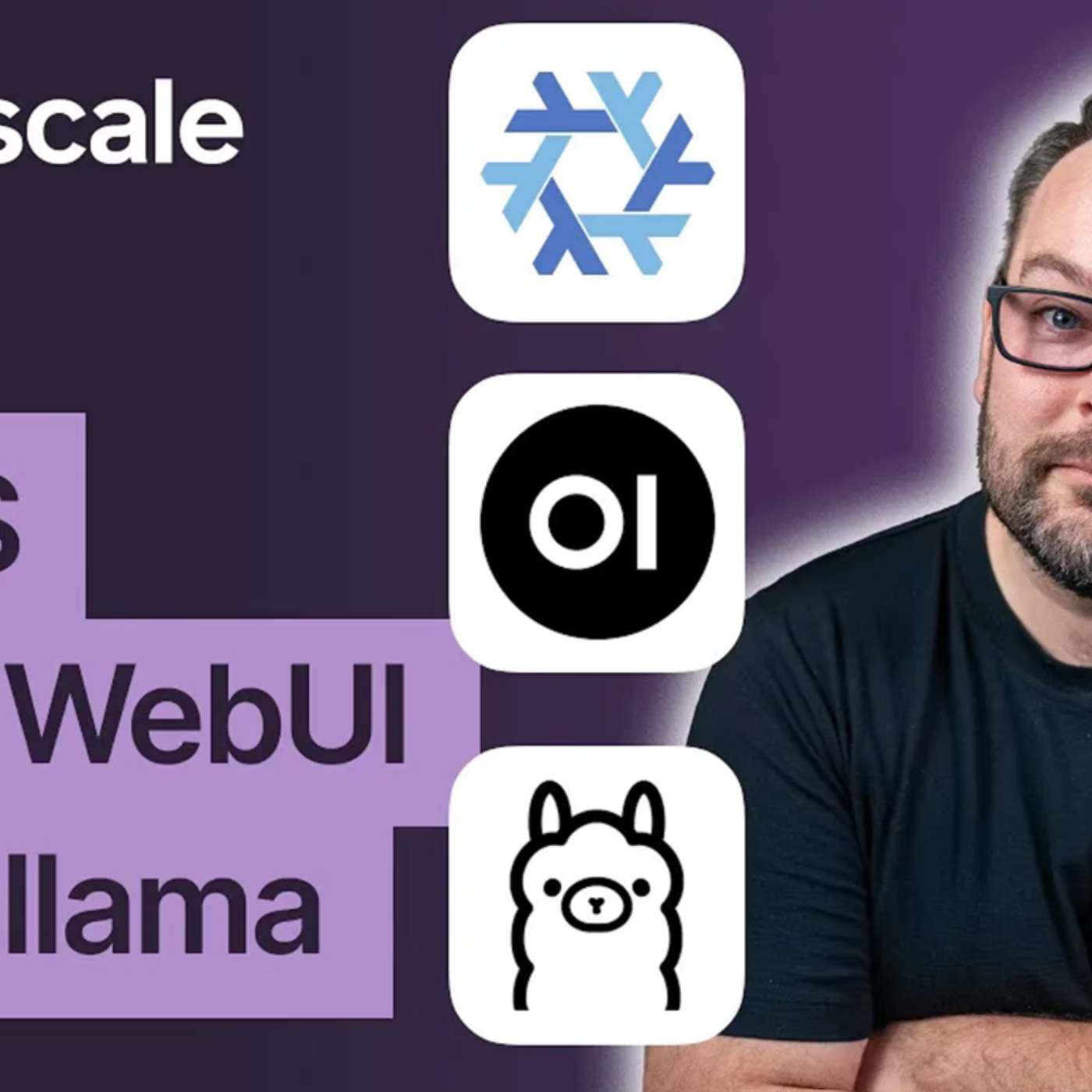
Self-host a local AI stack and access it from anywhere
This story was originally published on HackerNoon at: https://hackernoon.com/self-host-a-local-ai-stack-and-access-it-from-anywhere.
Build a private AI lab with Proxmox, NixOS, an NVIDIA GPU, Ollama, and Open WebUI, with automated deployment and secure remote access through Tailscale.
Check more stories related to undefined at: https://hackernoon.com/c/undefined. You can also check exclusive content about #self-hosted-llms, #local-ai-lab-setup, #offline-ai-server, #proxmox-gpu-passthrough, #ollama-and-open-webui, #tailscale-remote-ai-access, #nixos-ai-configuration, #good-company, and more.
This story was written by: @tailscale-ad. Learn more about this writer by checking @tailscale-ad's about page, and for more stories, please visit hackernoon.com.
This walkthrough demonstrates how to build a private, self-hosted AI lab using Proxmox, NixOS, Docker, and Tailscale. It covers NVIDIA A4000 GPU passthrough to a NixOS virtual machine, running local LLMs through Ollama and Open WebUI, and accessing the interface securely across a Tailnet. Ansible automates deployment, while declarative configuration supports repeatability. The resulting setup provides a foundation for private AI conversations, code generation, Home Assistant integrations, and shared access without relying on hosted AI services.
You May Also Like

Mark Tilbury
Mark Tilbury Fan

The Daily AI Show
The Daily AI Show Crew - Brian, Beth, Jyunmi, Andy and Karl

Jack Hopkins
Jack Hopkins

Joe Lonsdale: American Optimist
Joe Lonsdale

Bitcoin Magazine Podcast
BTC Media

Theo - t3․gg
Theo - t3․gg
Programming Tech Brief By HackerNoon
HackerNoon

Tech Brew Ride Home
Morning Brew
Radio Miraya
Radio Miraya
Bitcoin Italia Podcast
Rikki & Guybrush
Mark Tilbury
Mark Tilbury Fan
The Daily AI Show
The Daily AI Show Crew - Brian, Beth, Jyunmi, Andy and Karl
Jack Hopkins
Jack Hopkins
Joe Lonsdale: American Optimist
Joe Lonsdale
Bitcoin Magazine Podcast
BTC Media
Theo - t3․gg
Theo - t3․gg
Programming Tech Brief By HackerNoon
HackerNoon
Tech Brew Ride Home
Morning Brew
Radio Miraya
Radio Miraya
Bitcoin Italia Podcast
Rikki & Guybrush
Community discussion