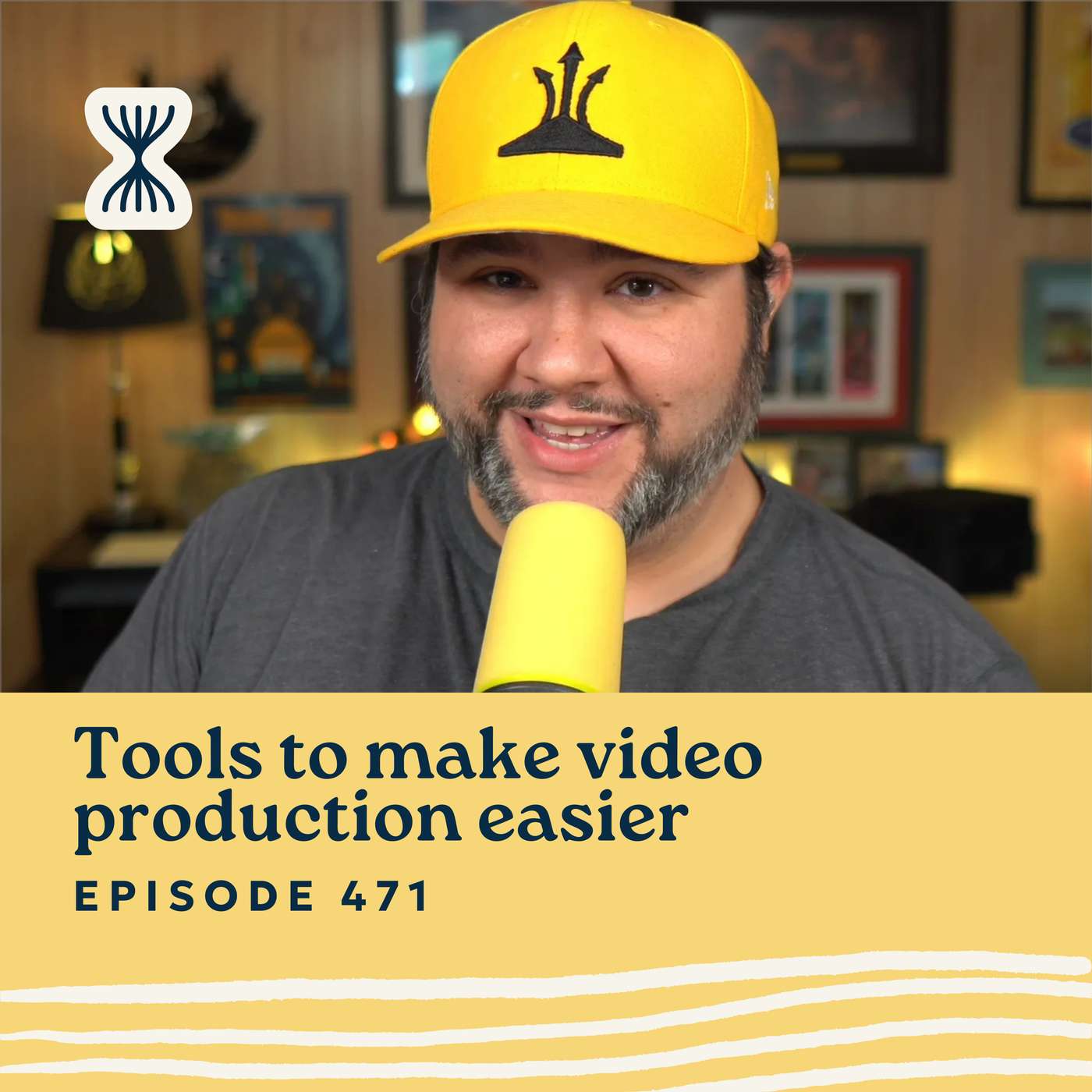
Video Production Tools That Make Life Easier for Solopreneurs
Remember when late-night hosts went remote during the pandemic and somehow looked worse than your average Zoom call? Even with massive budgets, their setups were rough. Meanwhile, I’ve managed to build a solo video production workflow that looks better than theirs — with no crew.
In this episode, I walk through the tools and tech I use to replicate a full video studio by myself. I share how I record faster, cut editing time in half, and publish polished content — whether it’s courses, YouTube videos, or shorts — all without burning out. If video production has ever felt overwhelming to you, this is your permission to simplify.
Top Takeaways
- You don’t need a crew — you need a system. With the right tools and prep, you can create professional-looking videos solo, without wasting hours on editing or setup.
- Ecamm Live is the command center. It handles everything — multiple cameras, screen sharing, overlays, and real-time scene switching — all mapped to buttons on my Stream Deck.
- Gling.ai cuts editing time by 80%. It automatically removes filler words, silences, and bad takes using transcript-based editing. It’s a total game-changer for long-form content.
- Tella is perfect for shorts and quick demos. It’s like what Loom should have been. I use it for social media clips, explainer videos, and coaching follow-ups
Show Notes
- Luria’s Episode
- Ecamm Live (use code CASABONA for 15% off)
- Tella
- Gling.ai
- How I’ve Configured my Stream Deck
————
Streamlined Solopreneur helps solopreneurs decide what to use and what to build, so they can stop spinning their wheels and get their time back.
Each week, Joe Casabona shares one practical idea — a system, tool, or strategy to help you get your time back without having to make another decision, hire employees, or sell your soul to AI.
Looking for a place to start? Take the Solo Systems Starter Quiz. 60 seconds, 8 questions, and I will tell you what system you should build first, and exactly how to build it (so YOU don't need to make another decision). https://streamlined.fm/quiz
Connect with Joe on LinkedIn: https://www.linkedin.com/in/jcasabona/
You May Also Like
AI Fire Daily
AIFire.co

Thinking Crypto News & Interviews
Tony Edward

Jak Piggott
Jak Piggott

Jack Hopkins
Jack Hopkins

CriptoMonedas TV
CriptoMonedas TV

Coach8 教练吧(播客)
Coach8

Mark Tilbury
Mark Tilbury Fan

The Good Tech Companies
HackerNoon

The MSP Zone
Charles Weaver
Ham Radio 2.0
Jason Johnston - KC5HWB
AI Fire Daily
AIFire.co
Thinking Crypto News & Interviews
Tony Edward
Jak Piggott
Jak Piggott
Jack Hopkins
Jack Hopkins
CriptoMonedas TV
CriptoMonedas TV
Coach8 教练吧(播客)
Coach8
Mark Tilbury
Mark Tilbury Fan
The Good Tech Companies
HackerNoon
The MSP Zone
Charles Weaver
Ham Radio 2.0
Jason Johnston - KC5HWB
Community discussion