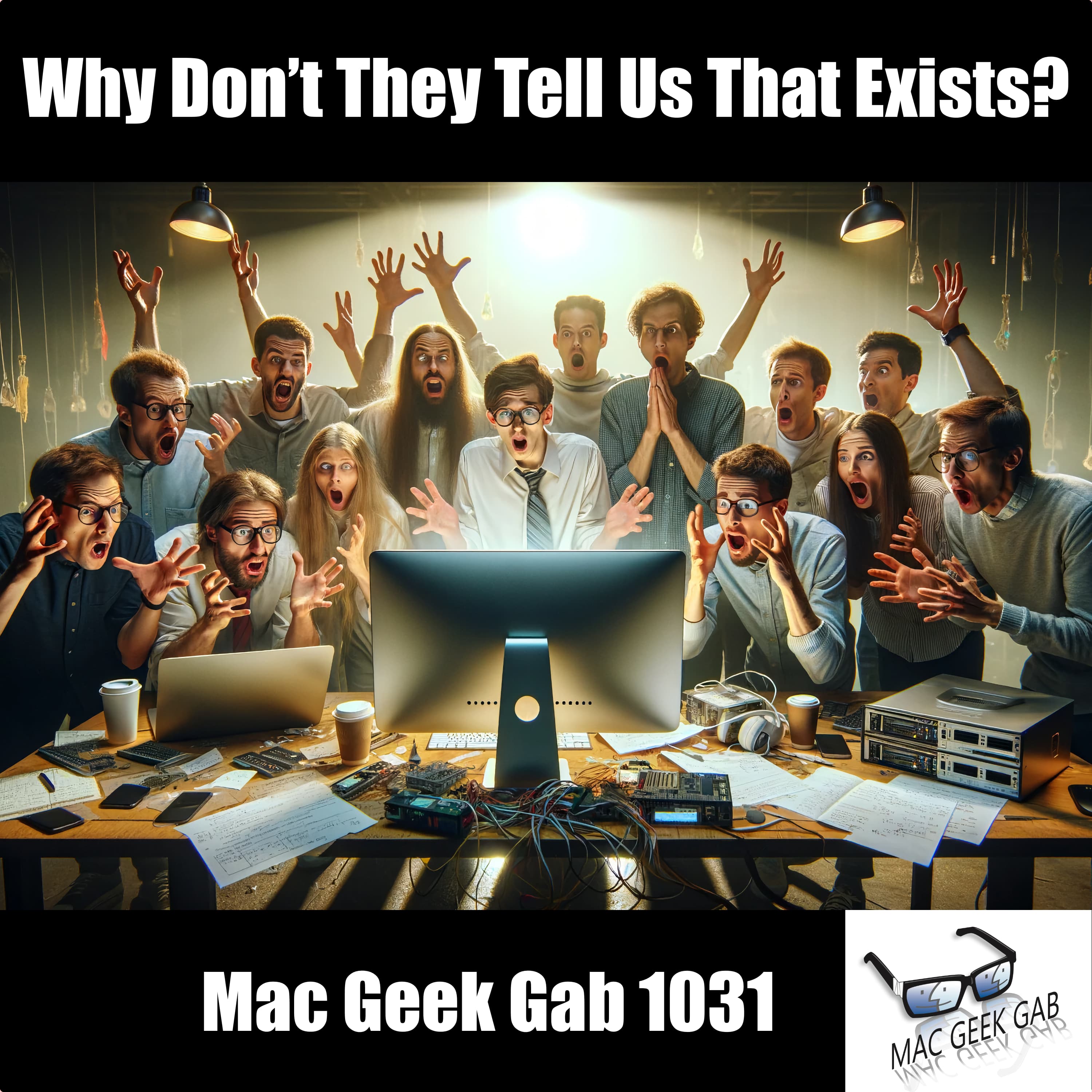
Why Don't They Tell Us That Exists?
Dive into a trove of tech treasures, from the power of force-quitting multiple apps in unison to the novelty of linking notes with a simple >> in Apple’s Notes app. Pilot Pete, Adam Christianson, and Dave Hamilton help you discover the secrets to customizing your Home Screen, leveraging your personal voice on iPhone, and why swapping Regex for ChatGPT could revolutionize your text parsing. They even explore the realms of secure data storage on iCloud with tools like Cryptomator and Proton Drive, ensuring your digital life is both organized and fortified. With tips on silencing unknown callers, expanding Spotlight’s reach, and the utility of using multiple Ethernet ports on a Synology DiskStation, this episode is jam-packed with insights. And remember, when tinkering with your tech or securing your digital domain, “Don’t Get Caught” unprepared.
In an episode brimming with quick tips and cool finds, the trio doesn’t stop at just data security and efficiency hacks. They delve into the mysteries of disappearing apps, the significance of checking your DVD reader, and the revelation of tools like Files List Export for managing your digital files more effectively. With a nod to MacScan3 for those concerned about security and a spotlight on the Spatial Viewer app, it’s clear that staying ahead in the tech game requires constant curiosity and a willingness to explore the unspoken features of our daily tools.
Whether you’re looking to streamline your digital workflow or enhance your device’s security, this episode is a testament to the Mac Geek Gab’s enduring mantra: navigating the digital world smartly ensures you never “Don’t Get Caught” off guard.
- 00:00:00 Mac Geek Gab 1031 for Monday, April 1st, 2024
- Quick Tips
- 00:00:01 James-QT-Force Quit allows multiple selections, too!
- 00:04:44 Change “Relaunch Finder” to “Quit Finder”
defaults write com.apple.finder QuitMenuItem -bool true- Morning SaMBa
- 00:13:26 QT-Type two greater-than signs into the body of a Note to link to another note
- Tags in Notes
- 00:16:00 Scott-QT-Shortcut to Silence Unknown Callers on/off
- 00:18:07 Creating Custom Home Screens
- 00:20:27 Personal Voice on iPhone
- 00:24:16 PCUnix-QT-Use ChatGPT instead of Regex for Parsing Text
- 00:27:55 Kent-QT-1030-More Quick Look Quick Tips
- Why Don’t They Tell Us That Exists?
- 00:30:25 Ben-QT Followups
- 00:34:47 Richard-QT-Expand the Size of Spotlight Search
- Sponsors
- 00:36:33 SPONSOR: BetterHelp. This episode is sponsored by BetterHelp. Give online therapy a try at betterhelp.com/GEEKGAB and get on your way to being your best self.
- 00:37:52 SPONSOR: ExpressVPN – Stop missing out on great TV and get thousands of new shows with ExpressVPN, and get three extra months free at ExpressVPN.com/MGG
- 00:39:22 SPONSOR: Factor. Save time with Factor’s fresh, never-frozen meals, ready to heat and eat in just 2 minutes! Head to FactorMeals.com/MGG50 with code MGG50 to get 50% off your first box.
- Backup Questions Answered and Tips Shared!
- 00:40:50 Kathy-Securely Storing Data on iCloud Drive?
- 00:50:35 Mark-How to keep backups of files on external drives?
- 00:57:02 Using Multiple Ethernet Ports on Synology DiskStation
- Your Questions Answered and Tips Shared!
- 01:01:21 Steve-Why Are Old Apps Appearing in Open With?
- 01:05:21 Check your DVD Reader!
- Cool Stuff Found
- 01:06:58 Rod L-CSF-Files List Export to create lists of your files
- 01:08:05 Sparky-CSF-
You May Also Like

Artificial Intelligence Masterclass
AI Masterclass
Rich On Tech
iHeartPodcasts
.jpg)
Programmieren lernen - Der Developer Akademie Podcast
[email protected] (Developer Akademie)
The Deep Dive Radio Show and Nick's Nerd News
Nick Espinosa, Chief Security Fanatic

Mark Tilbury
Mark Tilbury Fan
RadioCSIRT
Marc Frédéric GOMEZ

The Good Tech Companies
HackerNoon
Daily Tech News Show
Tom Merritt
AI Unraveled: Latest AI News & Trends, ChatGPT, Gemini, DeepSeek, Gen AI, LLMs, Agents, Ethics, Bias
Etienne Noumen

The Daily AI Show
The Daily AI Show Crew - Brian, Beth, Jyunmi, Andy and Karl
Artificial Intelligence Masterclass
AI Masterclass
Rich On Tech
iHeartPodcasts
Programmieren lernen - Der Developer Akademie Podcast
[email protected] (Developer Akademie)
The Deep Dive Radio Show and Nick's Nerd News
Nick Espinosa, Chief Security Fanatic
Mark Tilbury
Mark Tilbury Fan
RadioCSIRT
Marc Frédéric GOMEZ
The Good Tech Companies
HackerNoon
Daily Tech News Show
Tom Merritt
AI Unraveled: Latest AI News & Trends, ChatGPT, Gemini, DeepSeek, Gen AI, LLMs, Agents, Ethics, Bias
Etienne Noumen
The Daily AI Show
The Daily AI Show Crew - Brian, Beth, Jyunmi, Andy and Karl
Community discussion